 Simply TelePrompt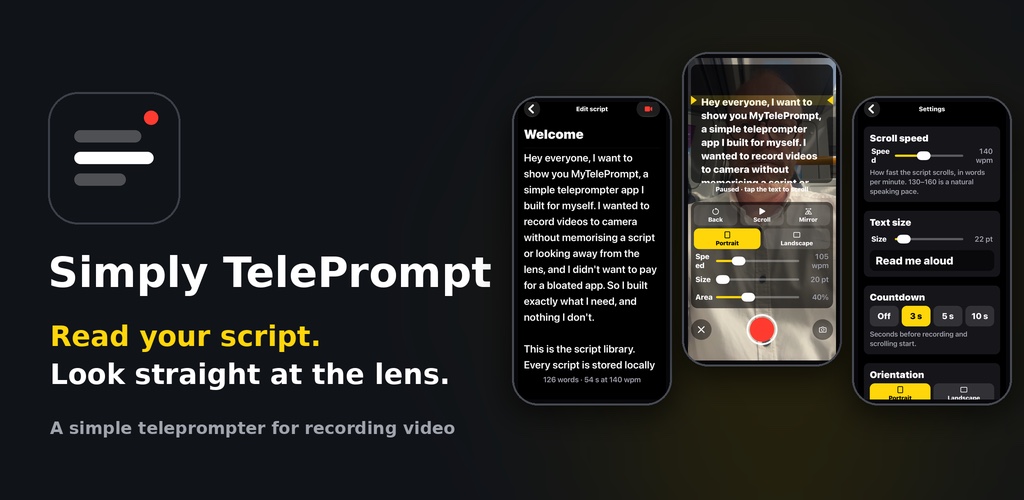
Simply TelePrompt
Write or paste a script, then record yourself while it scrolls over the camera. The script never appears in the video.
Script library
Create, edit, rename and delete scripts. Each one shows its word count and how long it takes to read.
Reads near the lens
The script scrolls in a see-through box at the top of the screen, close to the camera, with a yellow reading line.
Live controls
Change speed and text size mid-take, tap to pause, jump back three lines, or mirror the text.
Clean recordings
Only the camera and your voice are recorded. Finished videos go to a "Teleprompter" album in Photos.
Portrait or landscape
Choose before you record, and the saved video matches. Front or back camera, with a countdown.
Private
No account, no tracking, no ads. Your scripts stay on your phone.
Need help? The support page has a quick-start guide, answers to common questions and how to contact us.